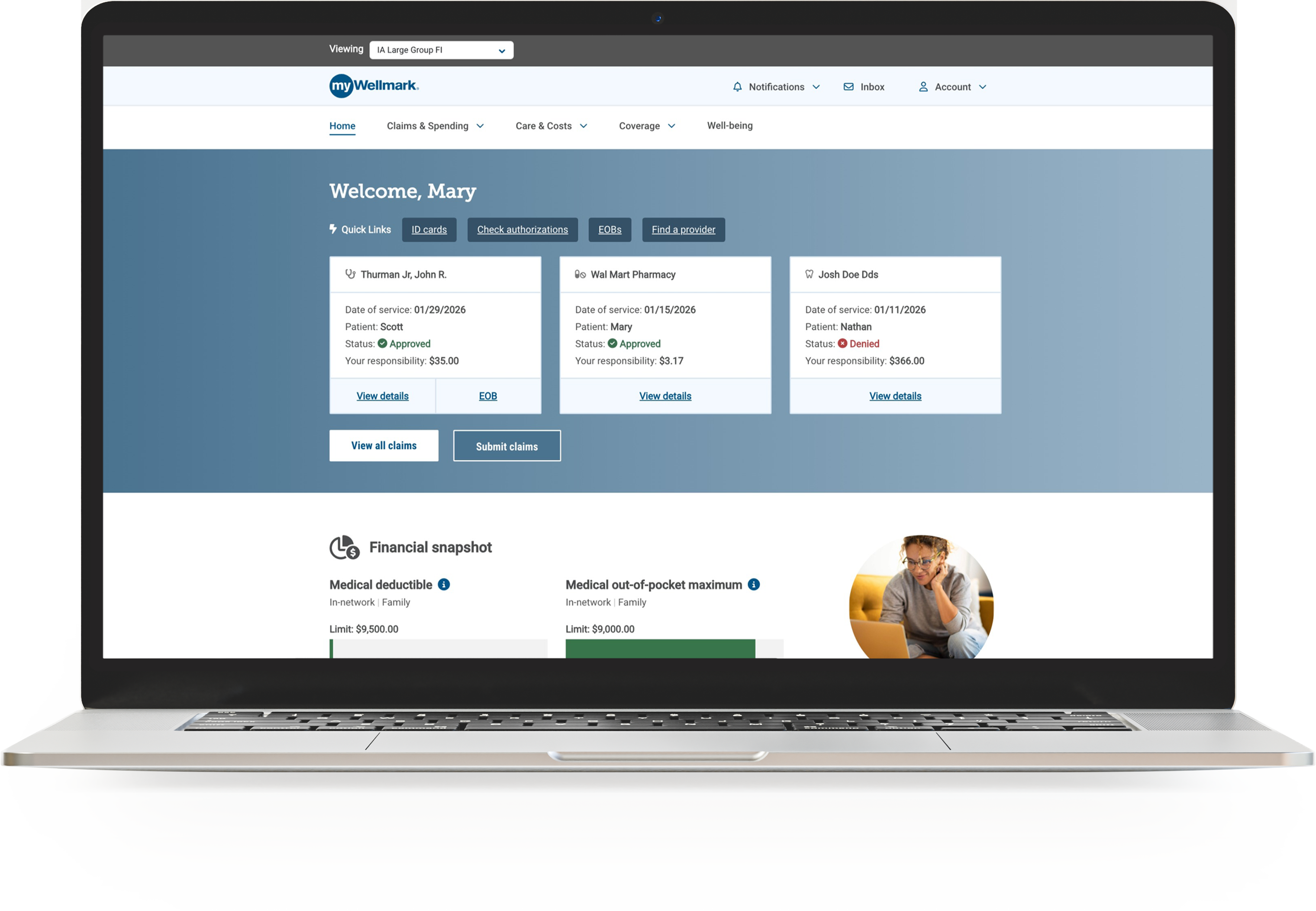
New to Wellmark?
You may not be able to set up your myWellmark account until your plan start date. Once your coverage begins, any member age 18 or older can create their own private myWellmark account.
Registration information
There are two easy ways to register for myWellmark. You'll need to enter:
- Your Wellmark ID number, date of birth and last four digits of your Social Security number; OR
- Your date of birth, last name and full Social Security number, if you don't have your Wellmark ID number on hand
Create your account
Enter your email address and password. You'll need them each time you want to access your account. For your security, your email address can't be used for another account on myWellmark or any other Wellmark platform.
While entering your mobile phone number is optional, it gives you additional notification options. You can also enter it at a later time by going to the "Profile" page in myWellmark.
Next, certify your identity and agree to the terms and conditions.
Verify your email and activate your account
Once you complete registration, you'll receive an email from Wellmark asking to verify your email address. Follow the instructions in the email to complete verification and activate your account.
Occasionally, some users may receive an email saying their myWellmark account setup is still underway and not ready for activation. If this happens to you, you don’t need to do anything other than wait for the verification email to arrive, usually within a few days.
When you log in to myWellmark for the first time, you’ll be prompted to set up two-step verification, which is an extra layer of security used to protect your account. Once you set up two-step verification, you’ll get full access to the features included with your myWellmark account.
Tip: Find the "Account" drop-down menu and select "Preferences" to set up notifications for convenient digital alerts.